
In-person exams?
No problem.
Click a question’s header to run the specialized workflow on a compatible Canvas quiz in Respondus LockDown Browser. The macOS app has a broader compatibility catalog.
Click to solve
Click a question’s header and the agent answers that one question. One click, one answer, filled right in the page with no hotkeys and no setup.
Fills the page
The returned choice is selected in the quiz without a separate chat interaction.
Canvas-specific
This specialized workflow is verified for Canvas quizzes inside Respondus LockDown Browser.
What you see vs. what your proctor sees.
You see the overlay on your screen, while Respondus, Honorlock, Proctorio, and screen share record only the exam window underneath.
Every question. Right, every time.
Auto Solver routes every question to a top model, reads the screen, and lands the answer. Every model is included with no API key required.
solve accuracy across real exam questions
Accuracy by model
held-out set · 12,000 QPick any model for Chat. Vision-capable models handle diagrams and graphs automatically.
Invisible to proctors. Loved by students.
Never seen by LockDown Browser, Honorlock, or screen share. The overlay is excluded from capture.
Students who said they would use Evadely again on their next exam.
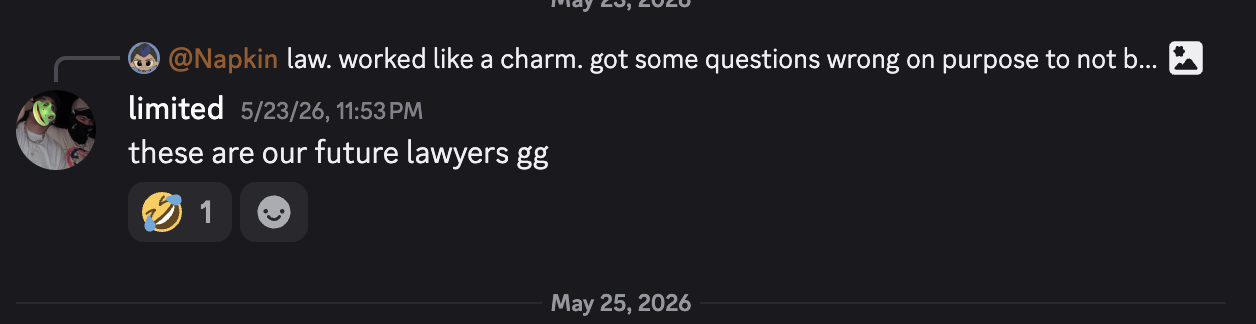
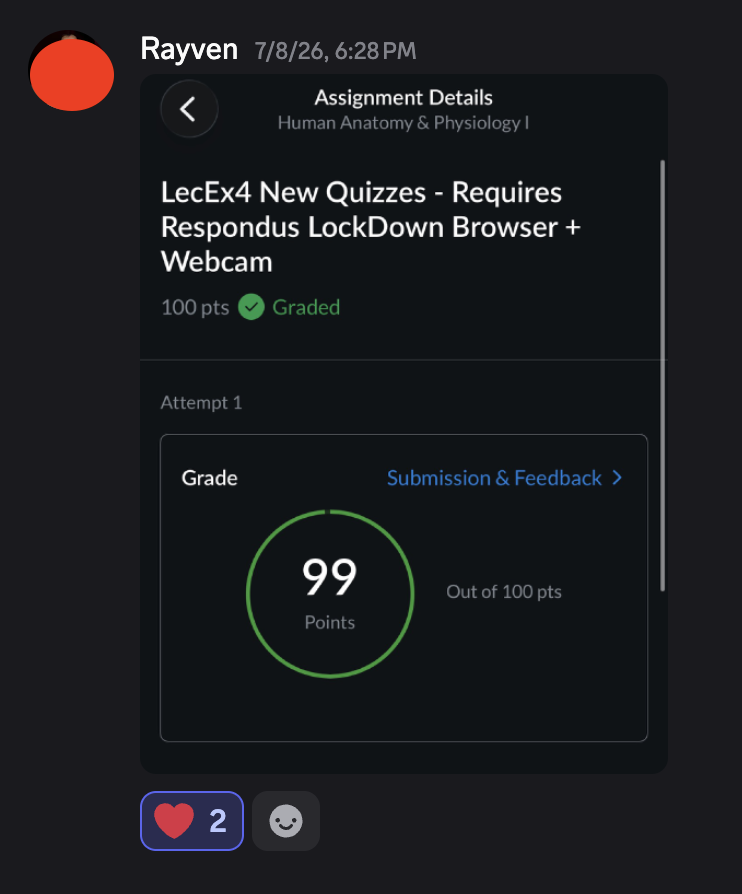
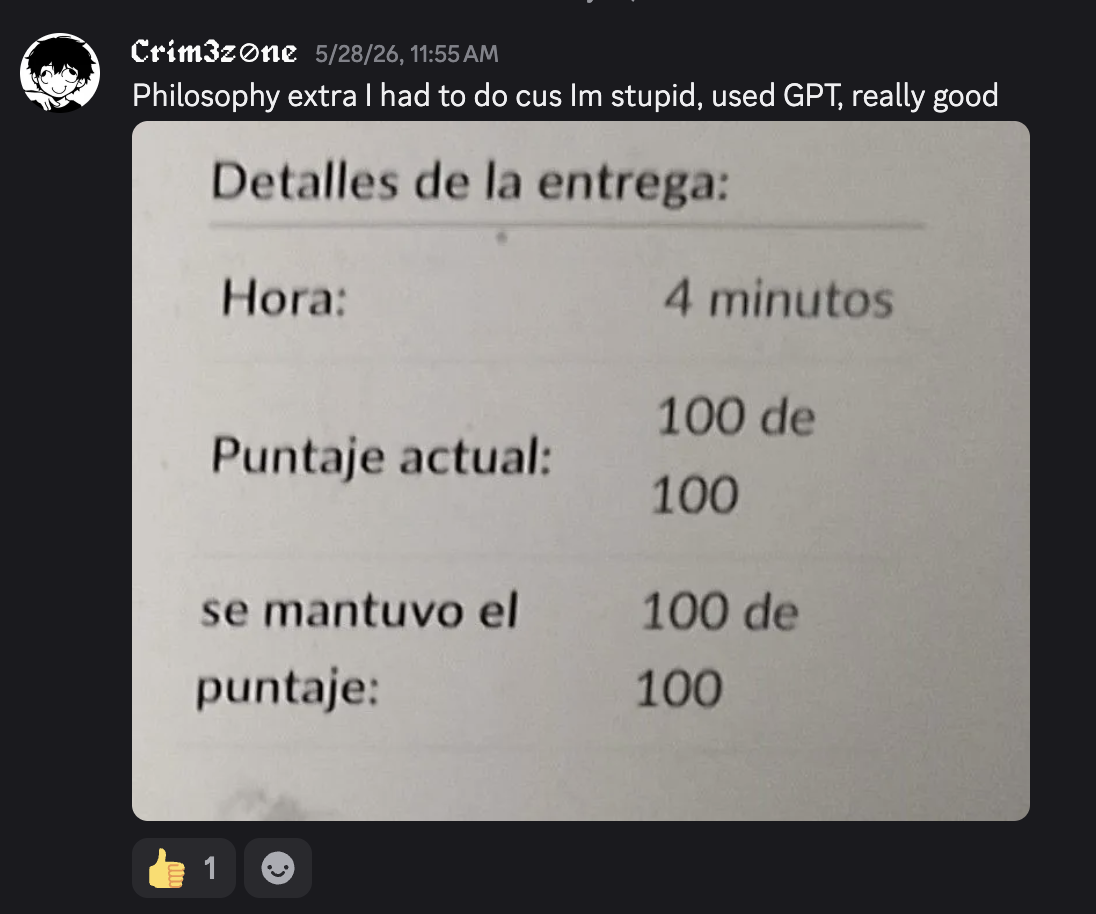
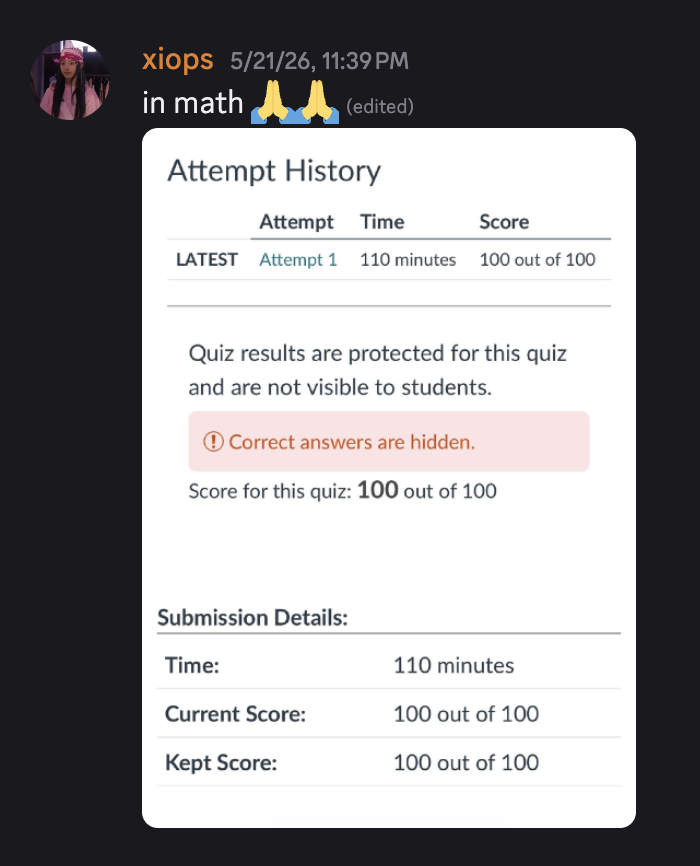
Straight from the server.
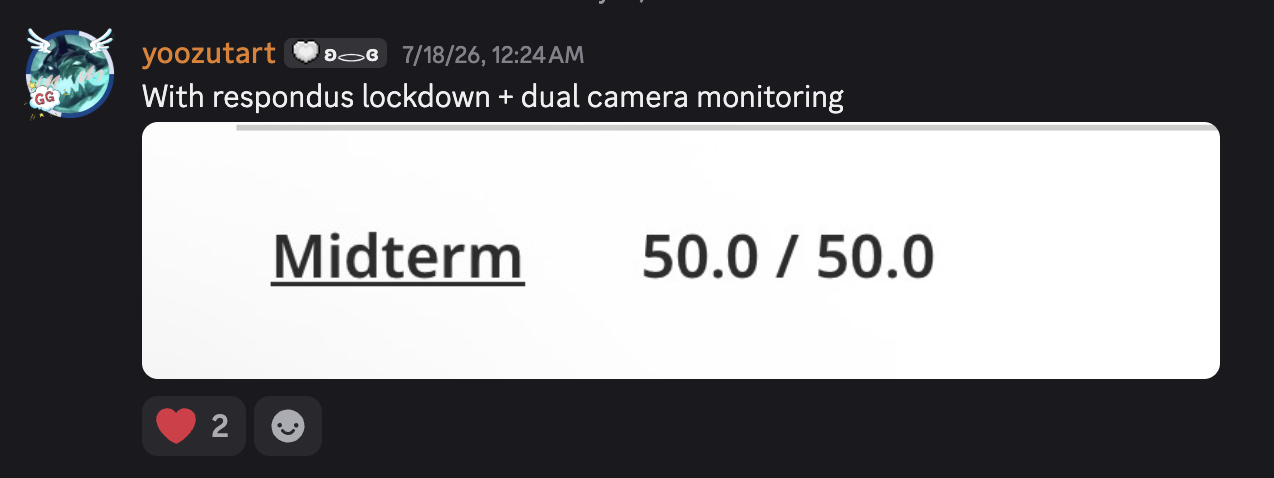
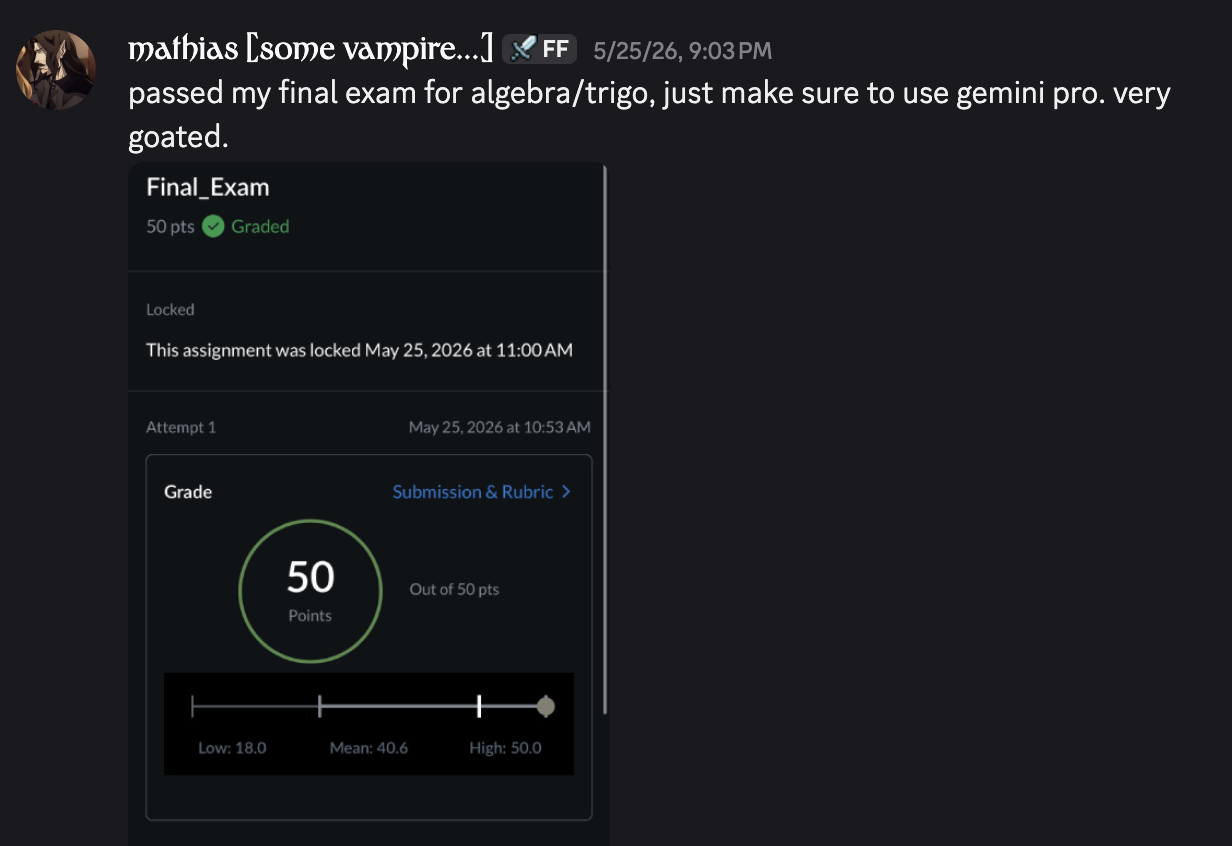
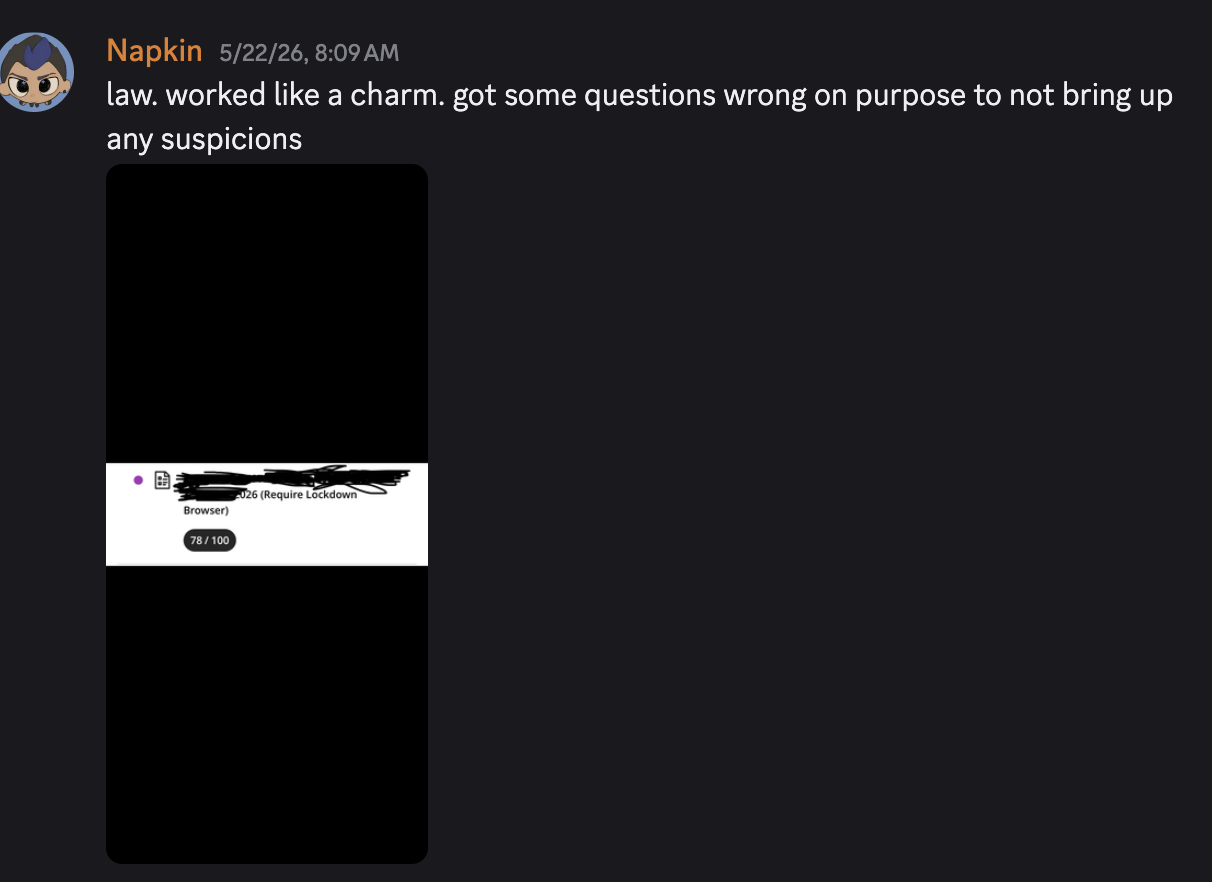
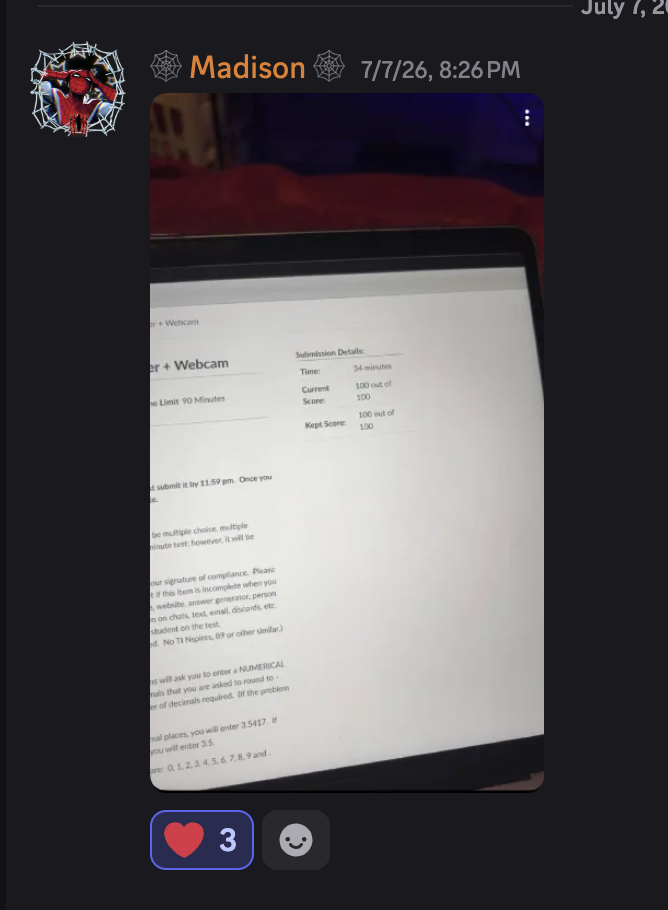
Unedited wins from the Evadely Discord.
Pick your plan.
Respondus
50% offFor LockDown Browser exams only.
Billed monthly · AI credits included
What's covered
- Respondus LockDown Browser
- 99% proctor coverage: Honorlock, Proctorio, Examplify, Pearson, SEB & more
- Specialized: TestNav, ACT Gateway & ProProctor
All Proctors
50% off99% of proctors covered.
Billed monthly · AI credits included
What's covered
- Respondus LockDown Browser
- 99% proctor coverage: Honorlock, Proctorio, Examplify, Pearson, SEB & more
- Specialized: TestNav, ACT Gateway & ProProctor
Lifetime Pro
Pay onceThe hardest proctors, forever.
One-time payment · lifetime access
What's covered
- Respondus LockDown Browser
- 99% proctor coverage: Honorlock, Proctorio, Examplify, Pearson, SEB & more
- Specialized: TestNav, ACT Gateway & ProProctor
- Every future proctor included
Works over everything.
Works for more than what’s listed here. Don’t see your proctor or app? Ask in our Discord and we’ll get you sorted.
Exam browsers & proctors
16Meetings & interviews
6Runs on Apple Silicon · Intel · Windows 11
Questions, answered.
How accurate are the answers?
Evadely routes every question through the latest frontier models. Accuracy depends on the subject, and most students see strong results across multiple-choice, short answer, and math or science questions.
Which platforms does it work on?
Evadely’s native overlay works over anything on your screen, including Respondus LockDown Browser, Honorlock, Proctorio, Examplify, ProctorU, and Pearson OnVUE. It runs on both macOS and Windows.
How does Auto Solver work?
On macOS, flip Auto Solver on and hold the left mouse button on a question for about three seconds. Evadely captures the question, solves it with a frontier model, and either clicks the answer for you or shows it in the overlay. Release early, move the mouse, or press Esc to cancel.
Which AI models can I use?
Chat includes GPT 6 Astra, GPT 5.6 Sol, Gemini 3.1 Pro, and Gemini 3.8 Flash. Switch models anytime from the picker, or let Auto Solver pick the best model automatically.
Is it visible to LockDown Browser or screen sharing?
No. The overlay is a non-activating hardware panel, so your exam app keeps focus and clicking the overlay never triggers a focus-loss event. It is excluded from screen capture and screen sharing, and nothing is injected into the browser page.
Is using Evadely cheating?
Evadely is an assistance tool. You are responsible for following your school and exam policies, so review them before using Evadely on any graded assessment.
How is Evadely installed?
On macOS, run one line in Terminal: curl -fsSL https://getevadely.com/install/mac | sh. It downloads the app, installs it to /Applications, and launches it. You need macOS 14 or later with System Integrity Protection and AMFI disabled from Recovery. The setup guide walks you through every step.
Are there keyboard shortcuts?
Yes, and they work from anywhere. ⌘H shows and hides the overlay, ⌘⇧S opens Chat, ⌘S takes a screenshot and attaches it to chat, ⌘Q quits immediately, and ⌘ with the arrow keys moves the overlay across your screen.
What if I am not satisfied?
Evadely has no long-term contract. Cancel anytime from your account page and your subscription ends at the close of your current billing period with no further charges.
Can I cancel anytime?
Yes. Cancel in one click from your account page and your subscription will not renew.